Humpool Is Closing. Where to Switch Your Kaspa ASIC
۱۴۰۵/۳/۱۳
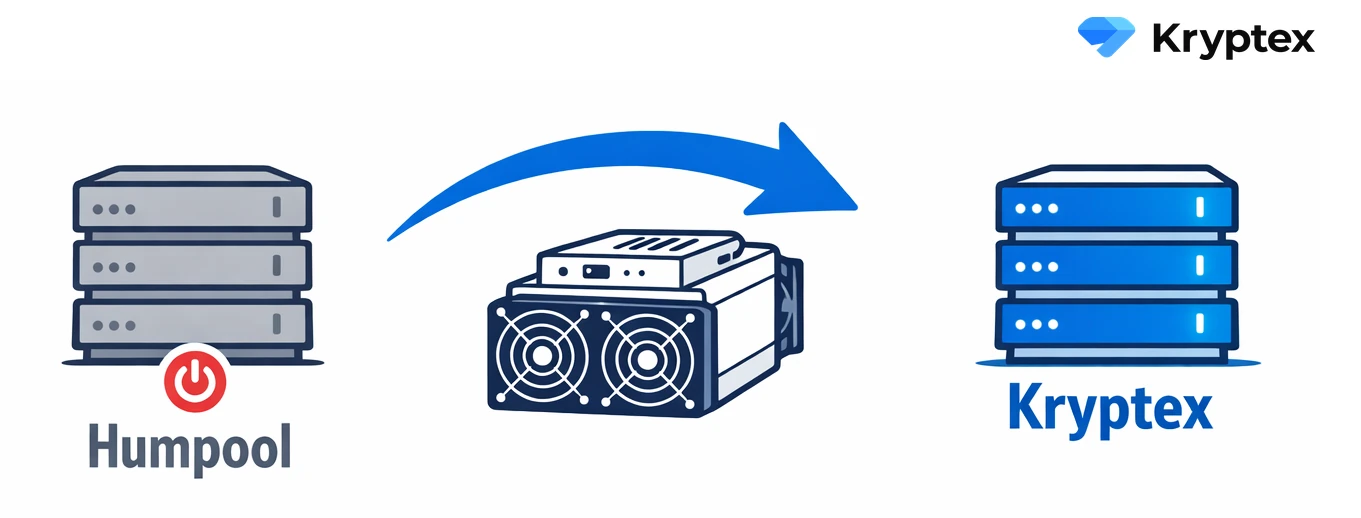
⚠️ On June 27, 2026 Humpool stops accepting hashrate — the pool has announced it's shutting down.
If you run Kaspa ASICs, don't wait for the last day. Repoint your hardware early, while there's still time to confirm your payouts went through. The switch takes a couple of minutes: you change one line, the pool address.
👉 You can mine Kaspa on Kryptex Pool: no registration, no KYC, 1% fee.
What happens to your Humpool balance
From the pool's official notice:
- June 27, 2026, 00:00 UTC — last day of service.
- June 28, 2026, 00:00 UTC — Humpool pays out your full balance, even if it's under the minimum.
- Until December 28, 2026 — if no payout address is set, you'll have to message their support and claim the coins by hand.
- After December 28 — an unpaid balance with no address is gone.
So do two things: make sure your payout address is set on Humpool, and pick a new pool before June 27 so your rigs don't sit idle.
Why Kryptex
Near the end, Humpool made KYC mandatory, so anonymous mining there is over. Kryptex keeps it simple: no verification. Plug in your ASIC and mine.
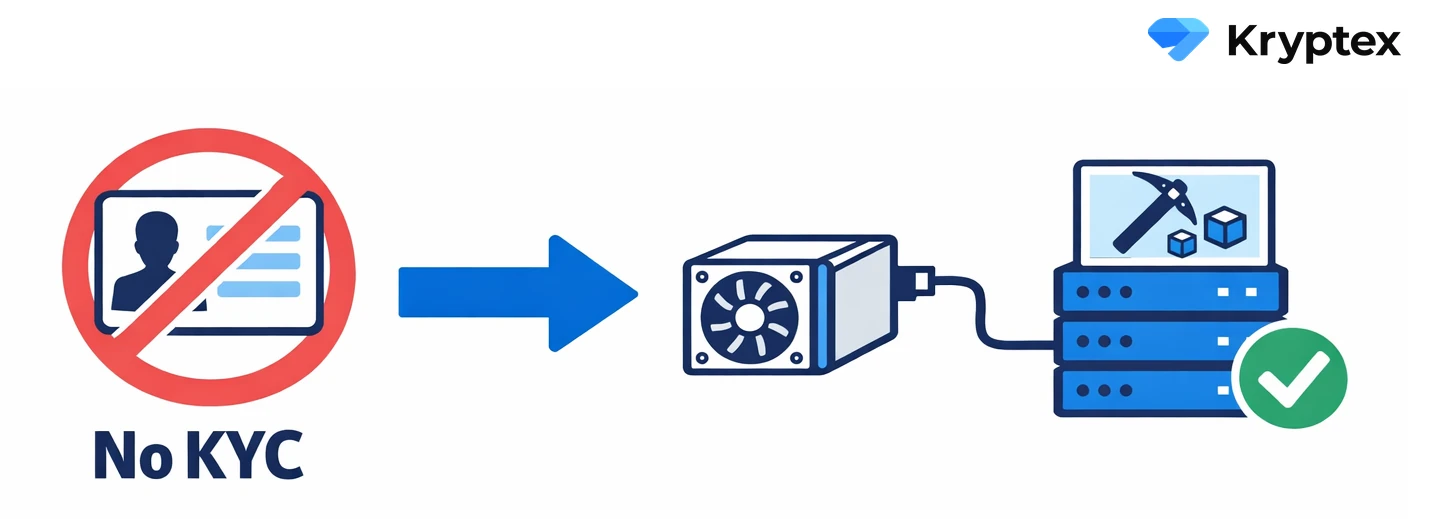
Here's why Kryptex is the best choice for Kaspa:
- 1% fee. PPS+ pays you for every share, so your income stays steady instead of swinging with the pool's luck. There's also SOLO mining if you'd rather claim the full block reward yourself. PPS+ vs PPLNS.
- No registration, no KYC. Full anonymity, SSL supported.
- We cover the network fee. Payouts run hourly, the minimum is 10 KAS.
- Auto-exchange KAS into USDT or BTC. Mine Kaspa, get paid in the coin you actually want. How it works.
- Servers in Europe, the US, South America and Asia. Pick the closest one for lower latency and fewer rejected shares.
Same ASIC, just change the address
The same models you ran on Humpool work here: IceRiver KS0–KS3L, Antminer KS3, KS5 and KS5 PRO, iBeLink BM-KS Max, and more.
In your miner, set the address of the nearest server and the worker as YOUR_KAS_ADDRESS.WORKER_NAME. All addresses use stratum+tcp://:
| Region | Pool address |
|---|---|
| Global | stratum+tcp://kas.kryptex.network:7011 |
| Europe | stratum+tcp://kas-eu.kryptex.network:7011 |
| North America | stratum+tcp://kas-us.kryptex.network:7011 |
| South America | stratum+tcp://kas-br.kryptex.network:7011 |
| Singapore | stratum+tcp://kas-sg.kryptex.network:7011 |
| Hong Kong | stratum+tcp://kas-hk.kryptex.network:7011 |
| Russia | stratum+tcp://kas-ru.kryptex.network:7011 |
| Middle East | stratum+tcp://kas-ae.kryptex.network:7011 |
💡 Two modes are available: PPS+ (default) and SOLO. For SOLO, add the solo: prefix before your wallet address — so it becomes solo:YOUR_KAS_ADDRESS. What is SOLO mining.
Full guide if you need it: How to mine Kaspa.
Not just Kaspa
Humpool only had Kaspa. If all you run is KS-series ASICs, they keep mining Kaspa here too, just on better terms: a 1% fee, hourly payouts, and no KYC.
And if you also run GPUs, CPUs or other hardware, Kryptex has 30+ coins for them, all under one account. No juggling separate pools.
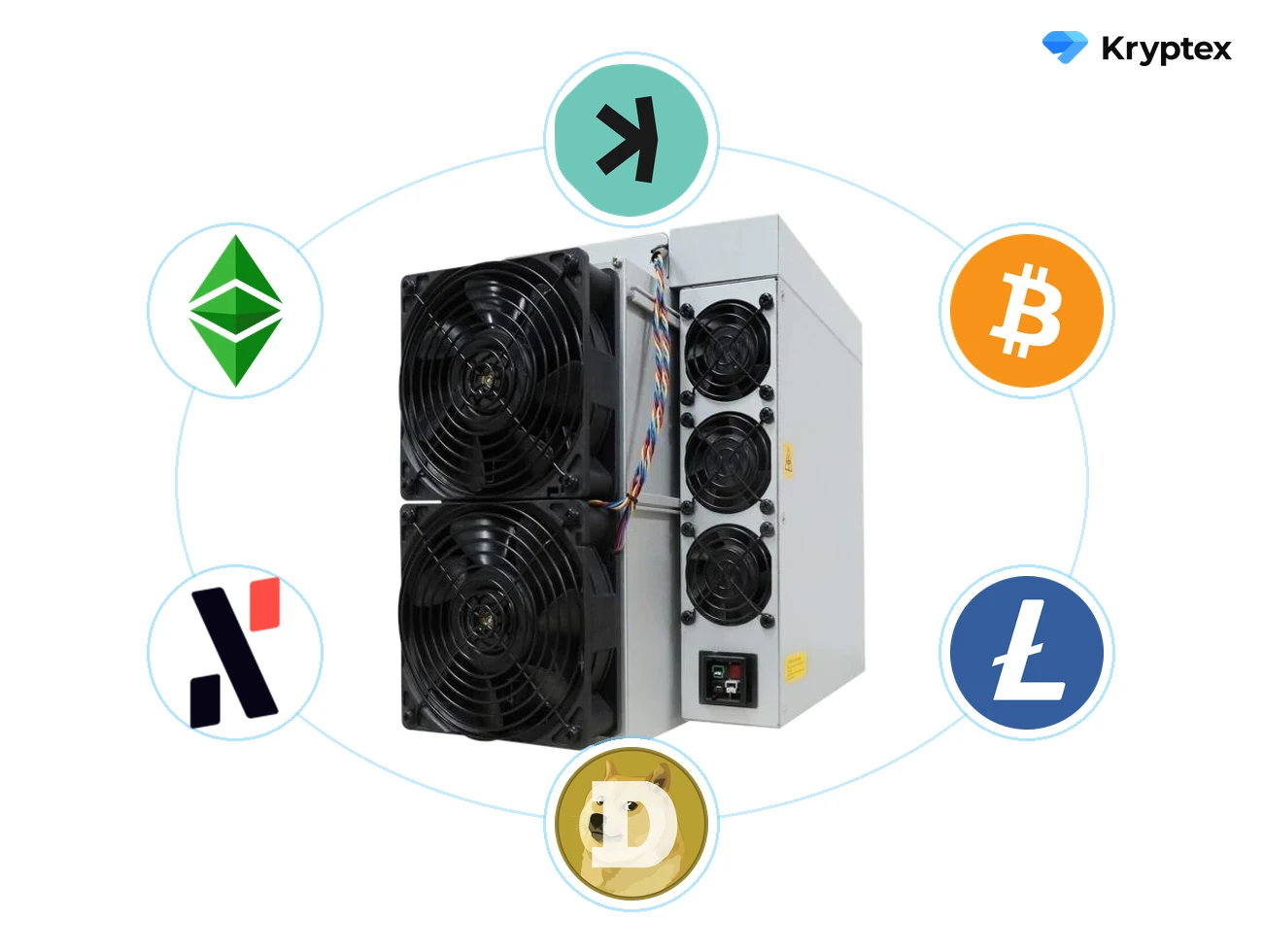
- 30+ coins: BTC, LTC+DOGE, ETC, ALPH and newer algorithms.
- HiveOS, RaveOS, mmpOS, Windows, Linux, macOS — templates are ready.
- Telegram bot watches your rigs around the clock and alerts you if a rig goes offline — or when you find a block.
- Referrals — 20% of the pool's revenue from the miners you invite.
- Calculator and the ASIC table to check earnings before you switch.
Kryptex and Humpool side by side
| Feature | Kryptex Pool | Humpool |
|---|---|---|
| Pool status | 🟢 Running | 🔴 Shutting down June 27, 2026 |
| Registration | 🟢 Not required | 🔴 Required |
| KYC | 🟢 No | 🔴 Mandatory |
| Coins on the pool | 🟢 30+ | 🟡 Kaspa only |
| Reward systems | 🟢 PPS+ and SOLO, 1% | 🟡 Limited |
| Auto-exchange to USDT / BTC | 🟢 Yes | 🔴 No |
| Pool covers network fee | 🟢 Yes | 🔴 No |
| Hardware | 🟢 ASIC, GPU, CPU, FPGA | 🟡 ASIC only |
| Telegram monitoring bot | 🟢 Yes | 🔴 No |
| Referral program | 🟢 Yes, 20% | 🔴 No |
| Multilingual support | 🟢 Yes | 🟢 Yes |
Switch in 3 steps
- Set the pool address in your ASIC to the nearest server from the table above (e.g.
stratum+tcp://kas.kryptex.network:7011). - Set the worker to
YOUR_KAS_ADDRESS.WORKER_NAME(for SOLO —solo:YOUR_KAS_ADDRESS). - Open pool.kryptex.com/kas, paste your address, and watch your hashrate and payouts.
That's it. Same ASIC, a different pool — your Kaspa keeps mining, just on better terms.
Need Help?
Have any questions, something unclear, or trouble connecting?
Contact support — we're happy to assist!
- Support Ticket.
- Telegram Support.
- Discord Support.
- Email support at support@kryptex.com.