- Min. payout5SAL
- AlgorithmRandomX
- Hashrate2.26 MH/s
- Miners104
- Workers208
- Auto-exchangeComing soonNo
Start mining
- sal.kryptex.network:7028
Global
- sal-eu.kryptex.network:7028
Europe
- sal-us.kryptex.network:7028
North America
- sal-br.kryptex.network:7028
South America
- sal-sg.kryptex.network:7028
Singapore
- sal-hk.kryptex.network:7028
China (Hong Kong)
- sal-ru.kryptex.network:7028
Russia
- sal-ae.kryptex.network:7028
Middle East
Hashrate
≈ 0.00$/year≈ 0.00$/month≈ 0.00$/day
Start mining Salvium
- Windows
- HiveOS
- Linux
- ASIC/FPGA
- MMPOS
Create a wallet for your coin
Exchange your coin
Configure your miner
Example
Region
Wallet
Worker
SSL
SOLO
Start mining
- Extract the miner archive to a convenient place, and open the resulting folder with the miner in it.
- Create a text file with a .bat extension and place a command in it to launch the miner that you have downloaded.
- XMRig
- SRBMiner-MULTI
- The reference open-source CPU miner for RandomX
- Runs on any x86 or ARM CPU; AMD/NVIDIA GPUs via plugins
- HTTP API for remote management
xmrig.exe -a rx/0 --url sal.kryptex.network:7028 --user <wallet> -k
Save the changes and run the file. Done!
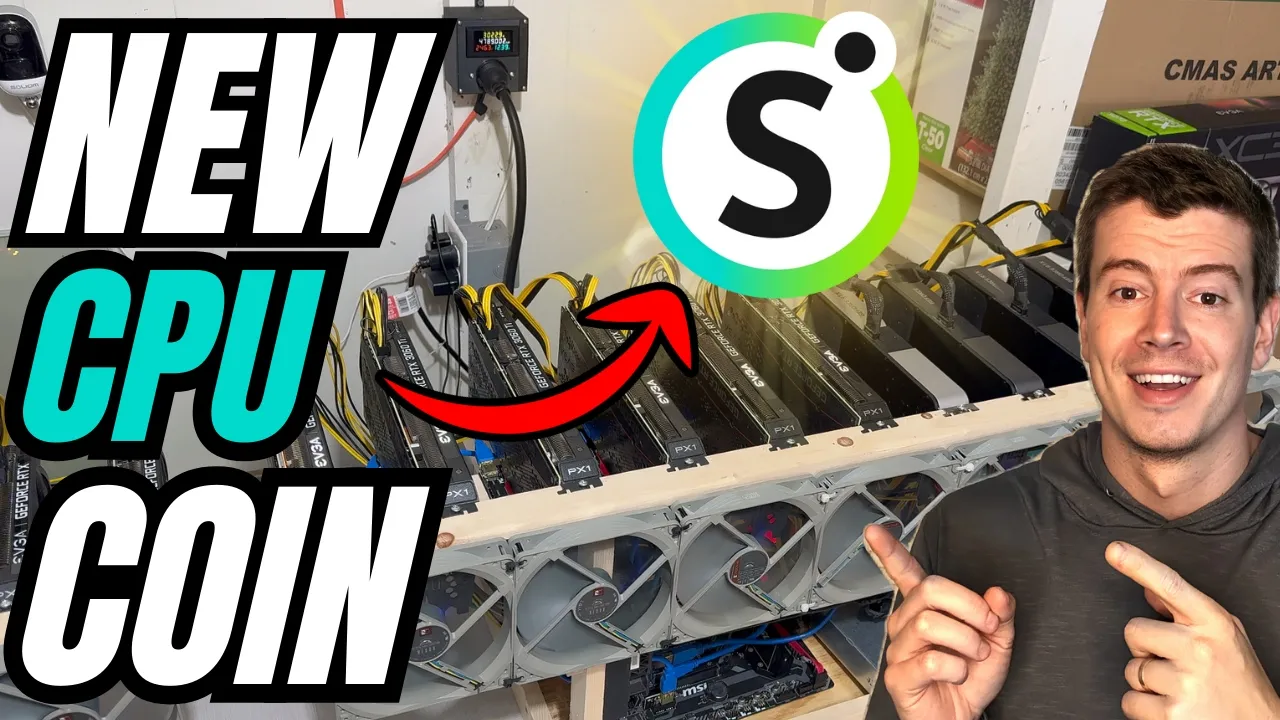
Video Guides
We speak the same language with the miners.
We will help you solve any problem. We help with the equipment, configuration and scaling of any kind.