GMiner firmware for Antminer
One universal SHA-256 firmware with autotune and per-chip control.
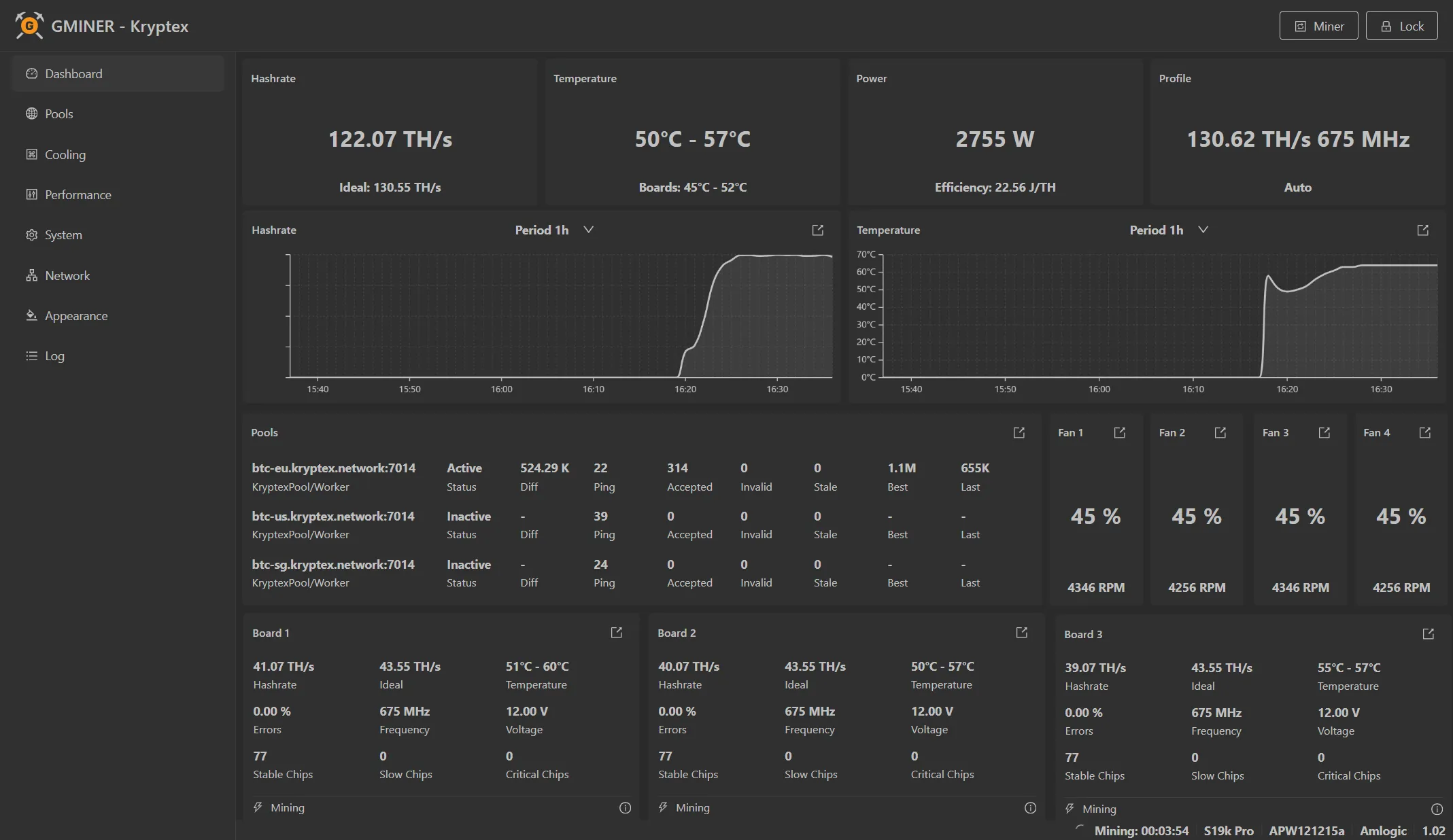
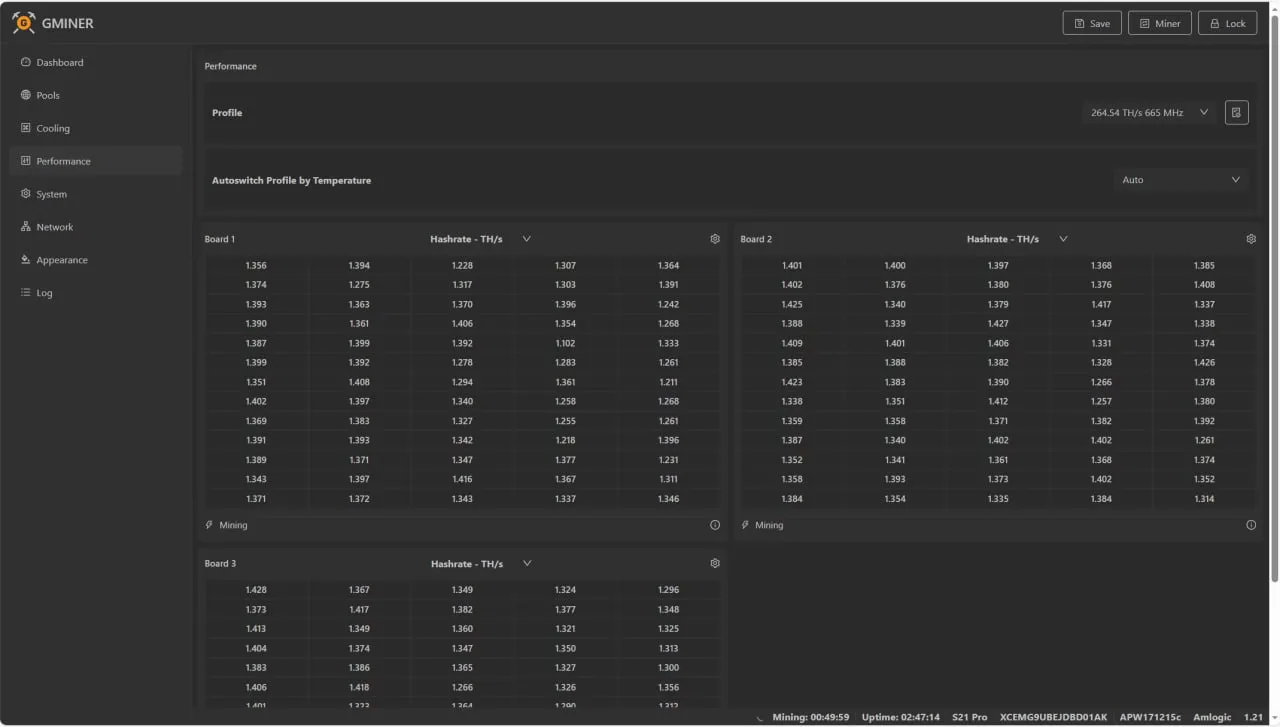
Higher hashrate. Lower power.
Custom firmware replaces the stock firmware with tuned overclock and undervolt profiles, per-chip autotuning and a web dashboard — more TH/s from the same hardware, fewer watts per TH.
Typical gains — actual numbers depend on model, profile and cooling.
What you get
Overclock autotune
Autotunes the chips for your selected overclock profile.
Temperature profile switching
Switches profiles automatically as temperature changes.
Chip monitoring & recovery
Watches chip performance in real time and restores it.
Per-chip fine-tuning
Manually trim the frequency of each individual chip.
No fee-pool penalty
No hashrate loss if the dev-fee pool is unavailable.
One universal firmware
A single firmware covers every supported model.
Install and start mining
Download the firmware
Choose your ASIC model and download the matching firmware. Back up the stock firmware first.
Install the firmware
Upload the firmware through the ASIC web interface. Some models may require an SD card.
Installation guide →Connect to Kryptex Pool
Choose a coin, copy the stratum address, and enter your wallet address and worker name.
Open Kryptex Pool →