BiXBiT firmware for WhatsMiner & Antminer
Optimize device performance, maximize efficiency, reduce power consumption, and extend ASIC lifespan. Control everything through BiXBiT AMS remote monitoring.
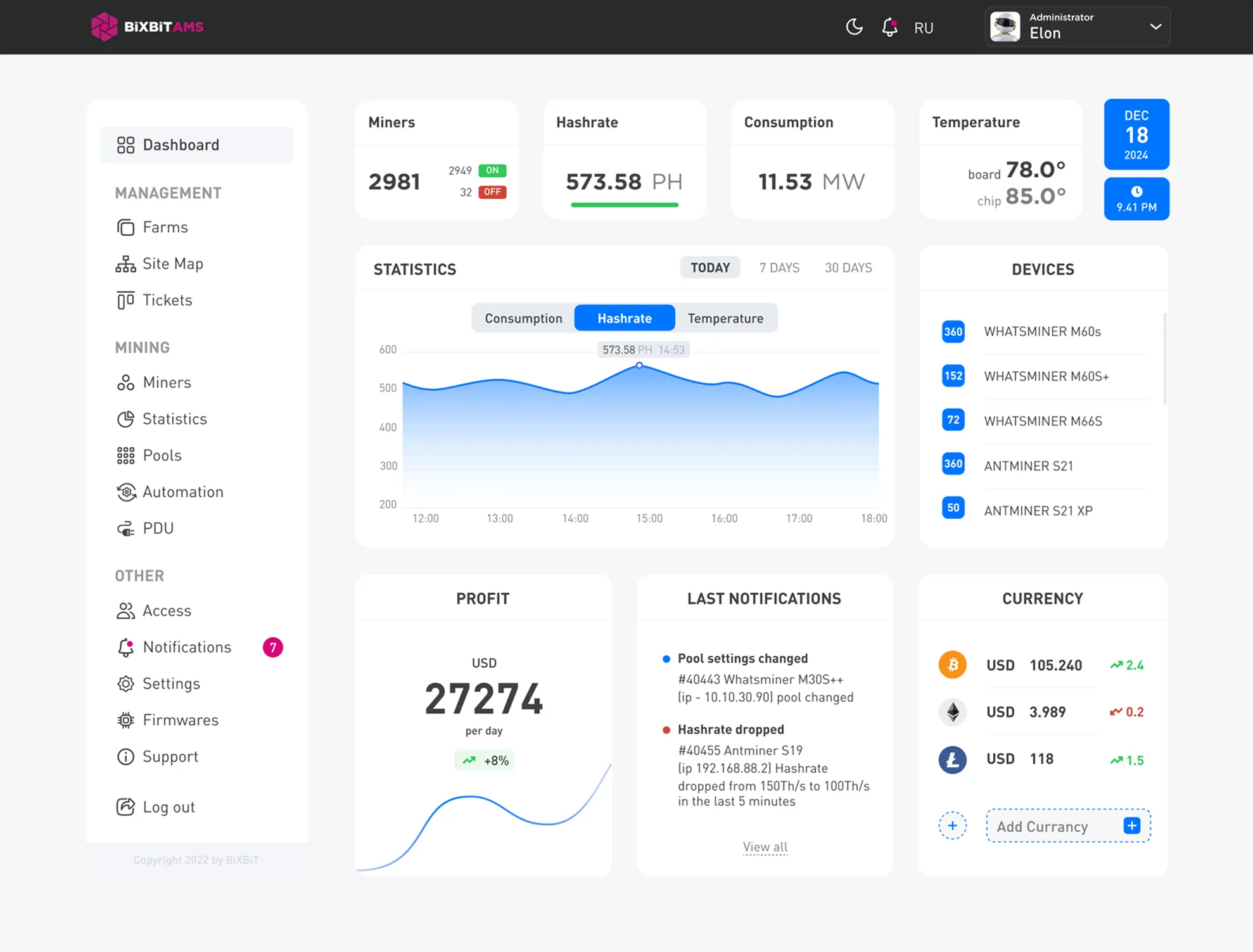
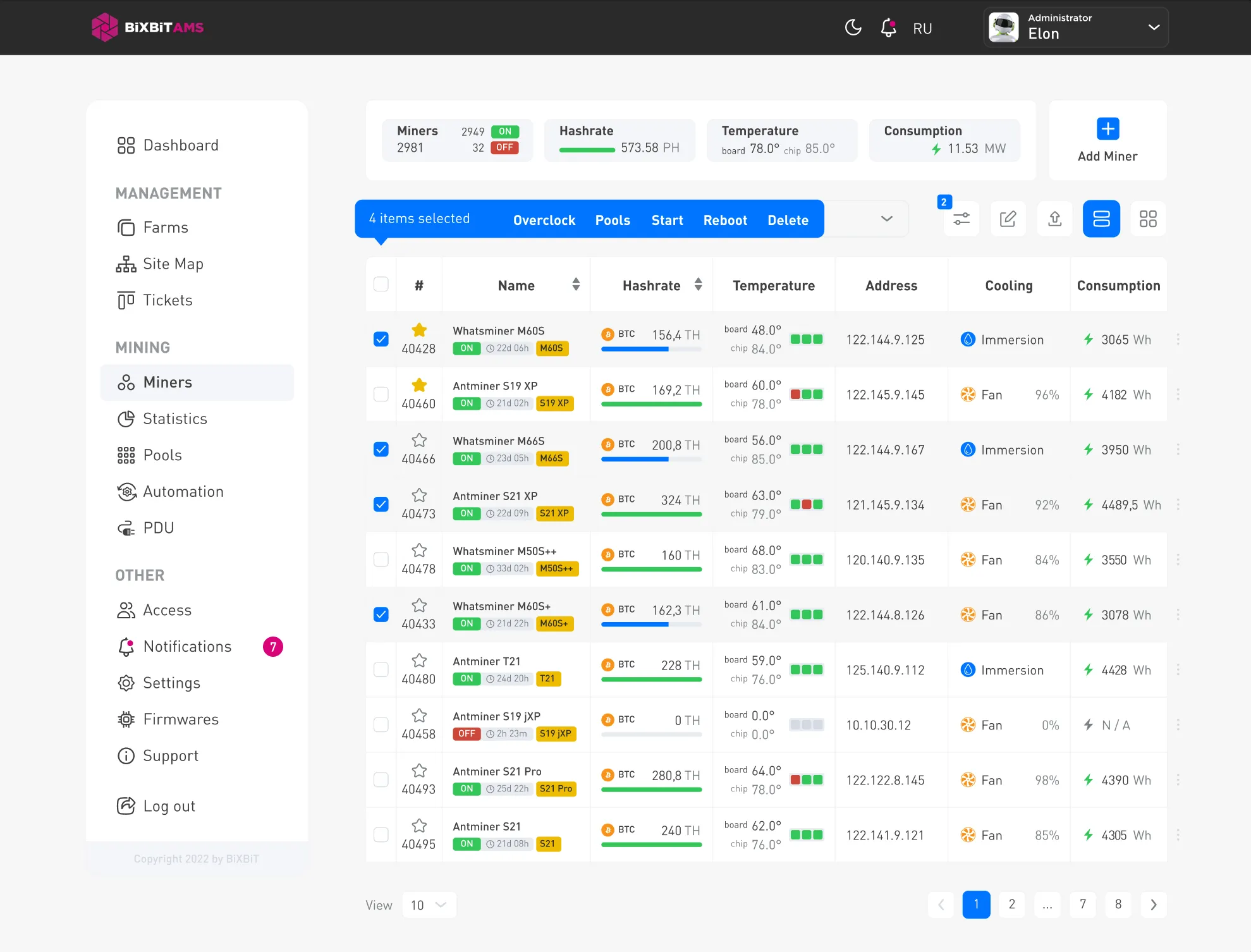
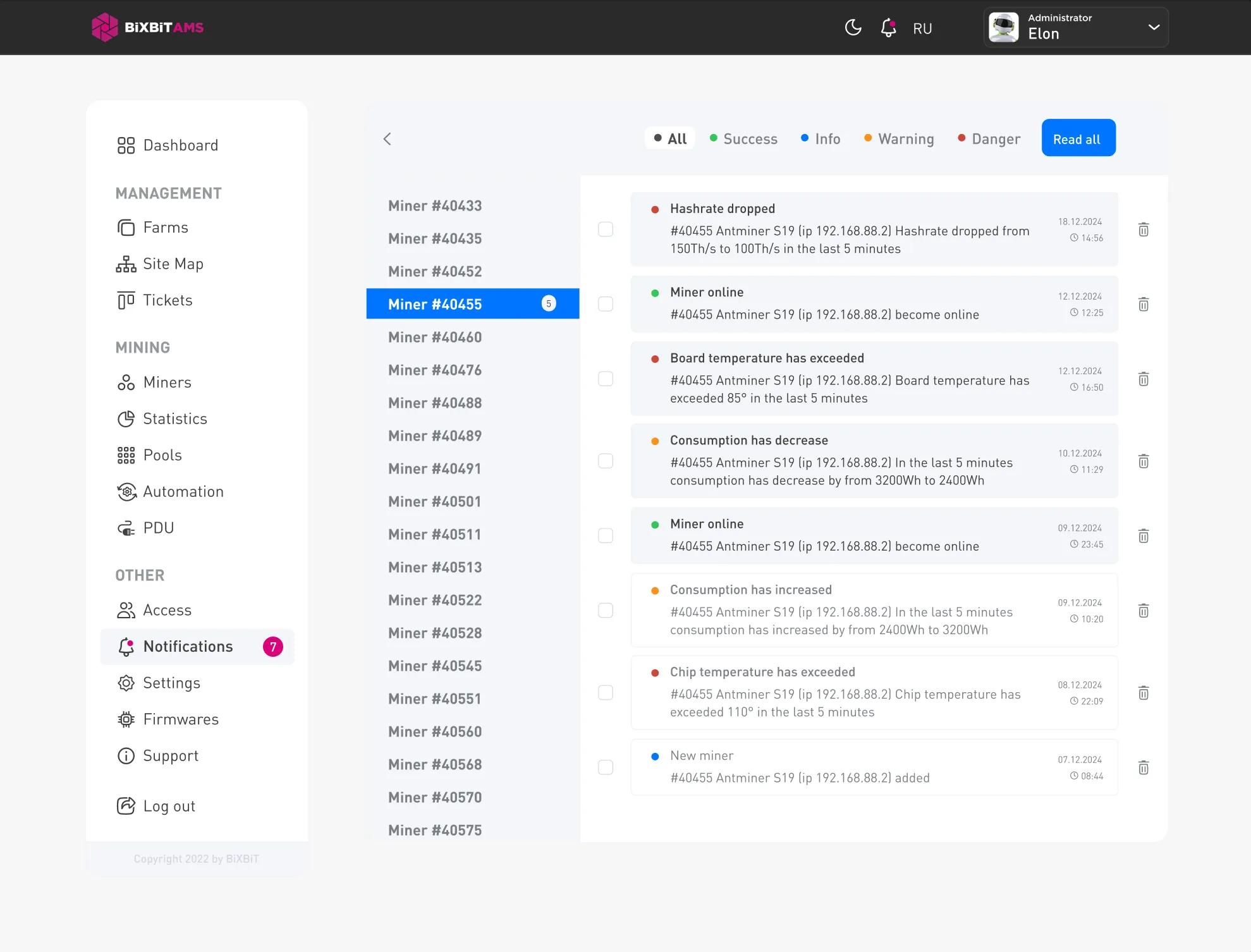
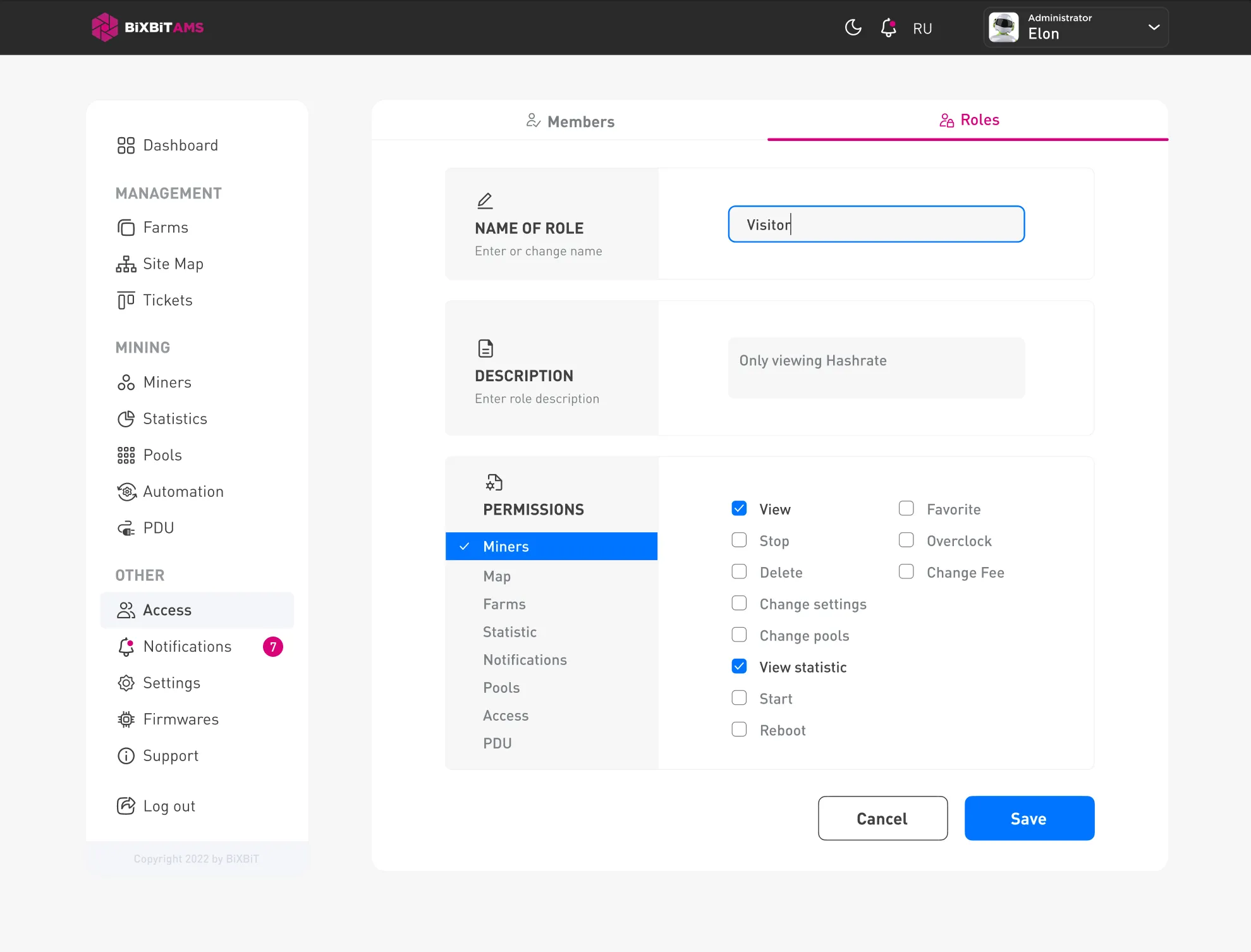
Higher hashrate. Lower power.
Custom firmware replaces the stock firmware with tuned overclock and undervolt profiles, per-chip autotuning and a web dashboard — more TH/s from the same hardware, fewer watts per TH.
Typical gains — actual numbers depend on model, profile and cooling.
What you get
Overclocking profile generation
Auto-built overclock profiles for your board and cooling.
Autotune
Per-chip tuning holds the target hashrate over time.
Software shutdown of faulty hashboards
Disables a failing board in software so the miner keeps running.
Profile switching by chip temperature
Switches profiles automatically as chip temperature changes.
Maintaining target chip temperature
Holds chips at a set temperature for stable operation.
Free BiXBiT AMS management & monitoring system
Monitor and manage your whole farm at no cost.
Install and start mining
Download the firmware
Choose your ASIC model and download the matching firmware. Back up the stock firmware first.
Install the firmware
Upload the firmware through the ASIC web interface. Some models may require an SD card.
Connect to Kryptex Pool
Choose a coin, copy the stratum address, and enter your wallet address and worker name.
Open Kryptex Pool →